Hedra
  • Developers
  • Studio
  • Enterprise
  • Blog
Log inSign Up
Open Hedra
Your account
    Explore
  • Home
  • Developers
  • Studio
  • Enterprise
  • Blog
    Log inSign Up
    Open Hedra

Generate video with AI from a prompt, a frame, or both.

The first decision is not which model — it is what you hand it. A sentence, a still you have already approved, two stills that fix the move, or references that carry a subject somewhere new. Same scene below, same model, one variable.

Start building nowGenerate a video — no code
Same scene, both

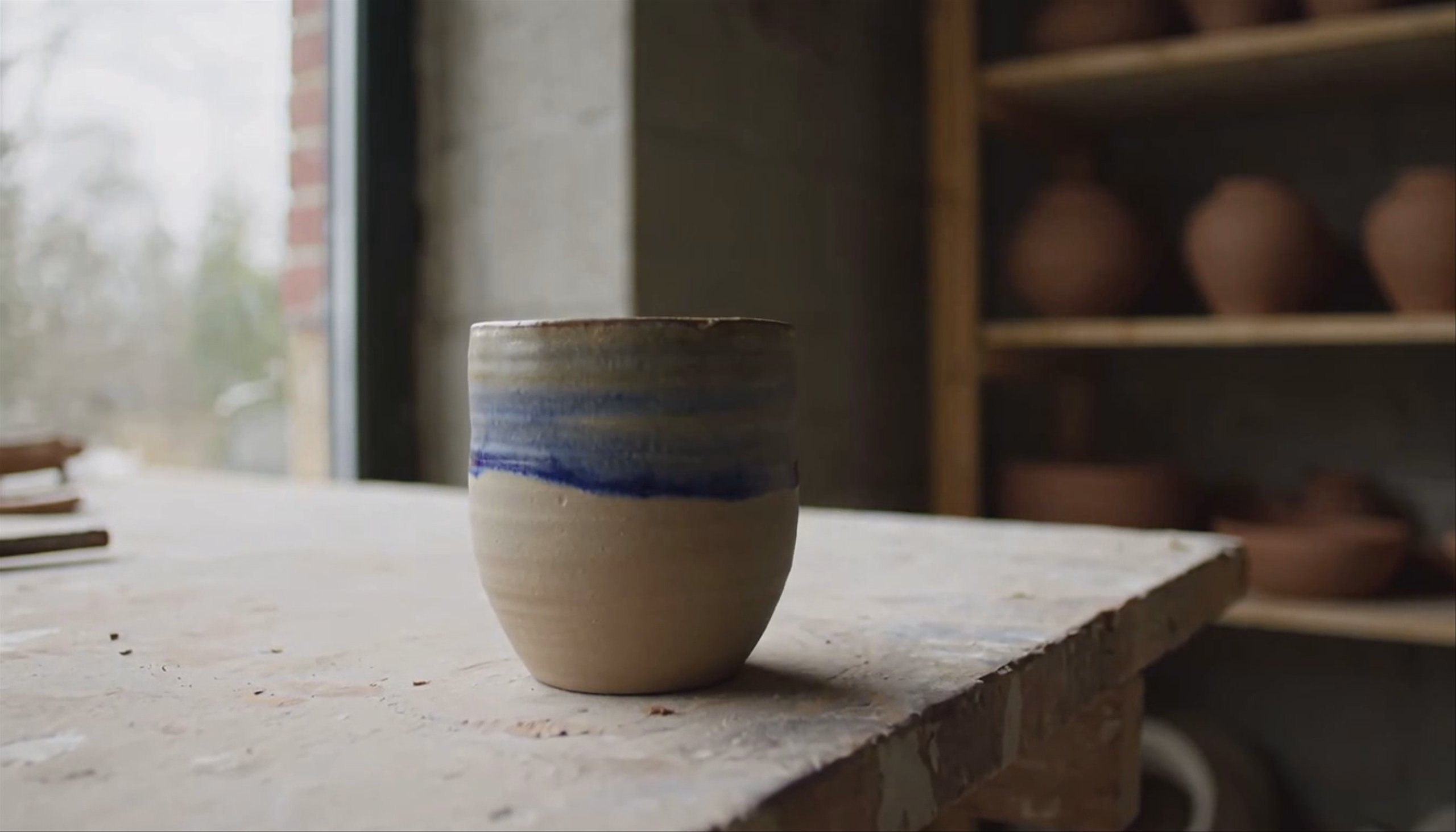
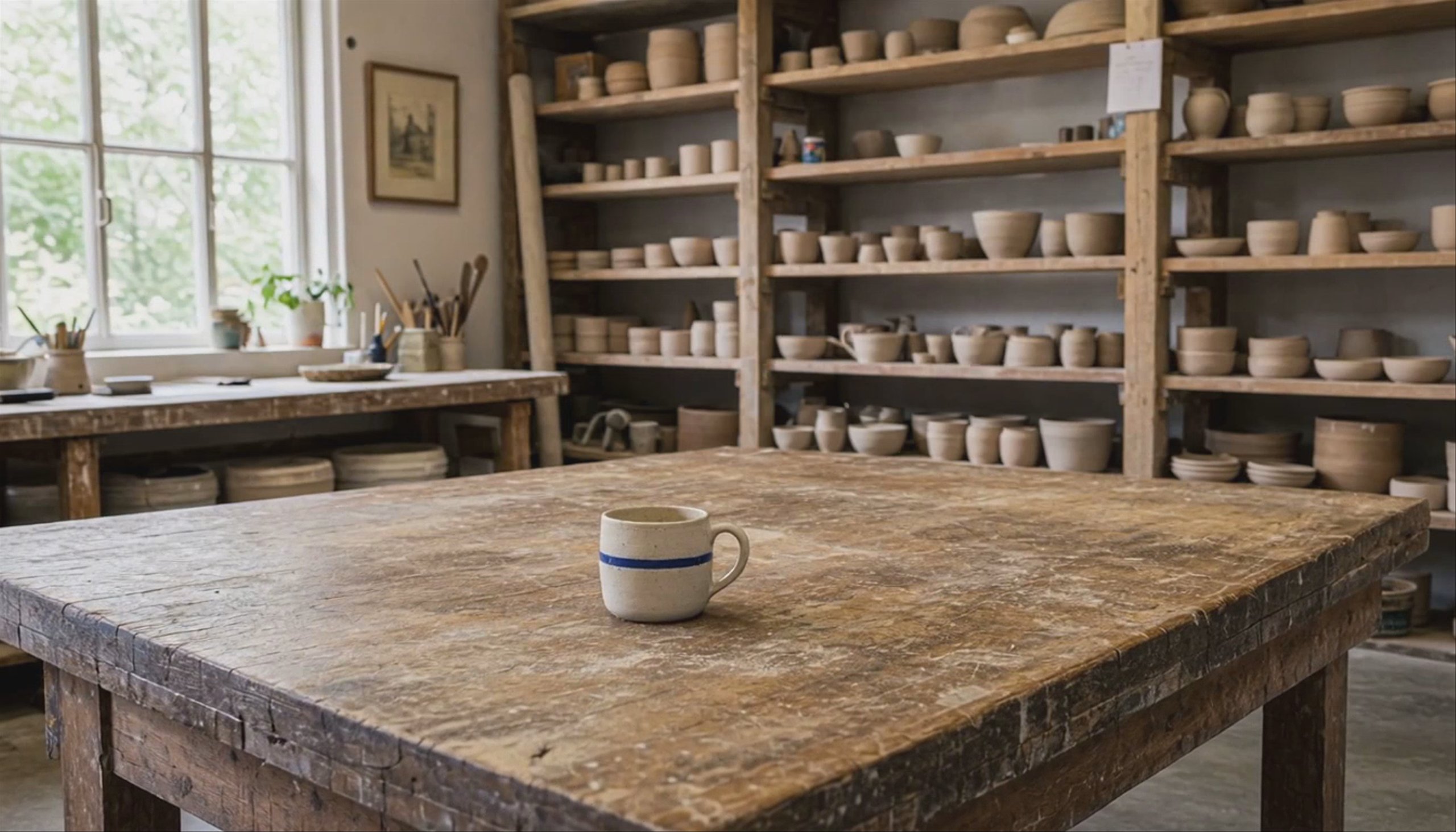
One written scene, run twice through one model. The only difference is that the second one was also handed the frame. The sentence asked for a mug; without the frame it came back without a handle.

Compare Prompt only and From your frame

Both clips are the same model at the same settings for the same five seconds. Nothing here is a comparison between vendors — it is a comparison between the four things you can start from.

MiniMax H3 · start frame · your mug

Video generation is not one thing.

MINIMAX H3 · START + END FRAME

Two frames, and you have specified the move.

A prompt can describe a camera move; two frames decide it. This is the same mug and the same studio with a second still on the end — a close framing generated from the first one, so it is provably the same room — and the model has to get from one to the other in five seconds. What you are buying here is not a better clip, it is a clip that lands somewhere you already chose, which is the difference between a shot and a lucky take.

MINIMAX H3 · REFERENCE IMAGES · NEW SCENE

References move the subject, not the scene.

The same mug, on a café table it was never photographed on. This is the mode people miss: the reference is not a first frame, so the model is free to build a new scene around a subject it has to keep. That is the one that matters for a catalogue or a character — the thing stays itself while everything else changes. It is also the mode with the loosest grip, so check the details you care about rather than assuming they survived.

Every video model, behind one key.

GoogleGoogleVeo 3.1Veo 3Veo 2Gemini Omni 1.1 Flash
OpenAIOpenAISora 2 Pro
KlingKlingKling V3Kling O3Kling 2.6 ProKling 2.5 TurboKling 2.1 Master
ByteDanceByteDanceSeedance 2.0Seedance 2.5Seedance 1.5 Pro
MiniMaxMiniMaxMiniMax H3Hailuo 2.3Hailuo-02
Black Forest LabsBlack Forest LabsFLUX.3
See all models →

Built for visual inference.

Serving video is a different problem from serving text — a single request can saturate a GPU, and none of the tricks that made language models cheap apply. Hedra's engine was built for exactly that workload.

Whichever model you choose — ours or anyone else’s — it runs on the same infrastructure, behind one key. Which is what makes the choice on this page cheap to make: run the same scene through two models, or through two starting points, and keep the one that worked. Switching is a string in a request, not a migration.

Generate with API or Agent

Build with the API

One key, every model and every starting point. Same request shape whichever you pick.

Start building now

Generate one now.

No code — write the scene, or drop in the frame you have already approved.

Create with Agent

FAQs

From an image, whenever you already have one you are happy with. A prompt has to describe a composition; a still simply is one, and the clips on this page are what that difference looks like. Start from a prompt when the shot does not exist yet and you are still exploring — then take the frame you like and animate that.

Image to video →
The end of the shot. With a start frame you are describing the move and hoping; with a start and an end frame you have specified where it finishes and the model has to get there. Useful whenever a clip has to cut against something — a logo reveal, a product hero, the next shot in a sequence.

Keeping a subject the same while everything around it changes. A reference is not a first frame — the model builds a new scene and carries the subject into it, which is how you get one product or one character across a set of shots. It holds a subject less tightly than a start frame holds a composition, so check the details that matter to you.

It depends on what you are starting from and how long the clip needs to be — the spread is wide. Every clip on this page is MiniMax H3, chosen because it accepts all four starting points, which made the comparison fair. For a finished hero shot, or for native dialogue, other models in the roster are stronger. Try two on the same scene; it costs a few seconds of video.

Compare video models →

Several of the models do — dialogue, ambience and effects generated with the picture rather than added after. Each model page says whether it carries native audio and what that costs, since audio usually changes the per-second rate.

Model by model, from a few seconds to thirty in a single request, and longer pieces are assembled from shots rather than generated in one go. If length is your constraint it will decide your model for you, so check before you commit to one.

See all video models →

By the second of output, at a rate that depends on the model, the resolution and whether audio is generated. Each model page carries its own rate.

See model pricing →

No — Hedra Studio runs the same models on the same engine with nothing to build. Write the scene, or drop in a frame, and compare two models on it before you commit.

More you can do with Hedra

A frame generated from a written scene alone
Start from a sentenceTEXT TO VIDEO AI →
A frame of a still being animated into a clip
Start from a still you already haveIMAGE TO VIDEO AI →
hedra keys create
→ sk-hedra-••••••••
Put generation inside your productDEVELOPER PLATFORM →

Decide what goes in.

Start building nowGENERATE A VIDEO NOW — NO CODE →
Hedra
Hedra

Product

Developer PlatformStudioEnterpriseSovereignPricing

Resources

Agent documentationDeveloper documentationBlogUse CasesModelsFeedbackChangelogStatus

Company

AboutCareersContactBuilder programSupportAlternatives

Legal

Privacy PolicyTerms of useAcceptable useCookie PolicyBiometric data policy
LinkedinInstagramDiscord
support@hedra.comHedra 2026 — All rights reserved