Free AI Photo Editor
Edit images by describing the change. Remove objects, swap backgrounds, fix lighting, restyle anything — with Nano Banana Pro, Flux Kontext, GPT Image, and Seedream in one AI image editor.
How to Edit a Photo with AI
No layers, no masks, no learning curve. If you can describe the edit, you can make it.
Upload Your Photo
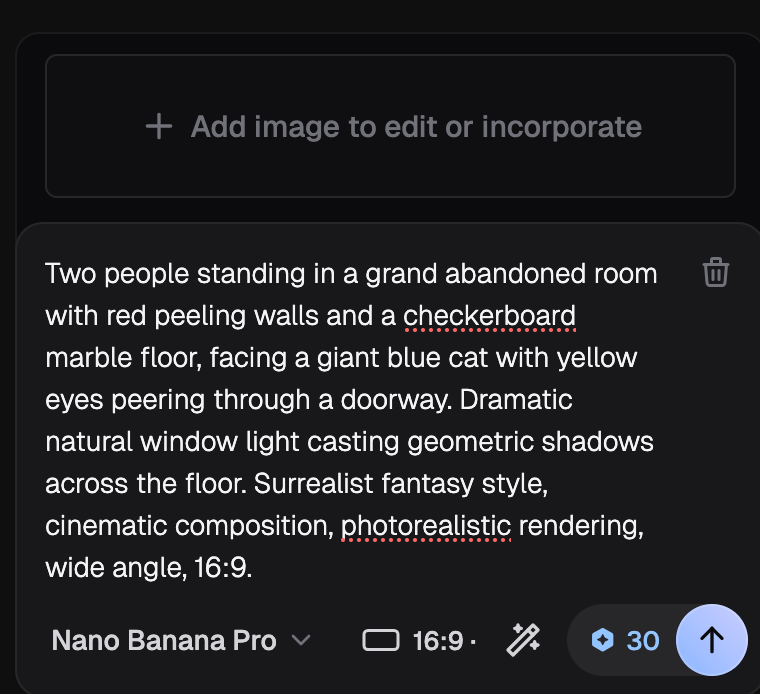
Drop in any JPEG, PNG, or WebP — a product shot, a portrait, a screenshot, or an AI generation you want to push further.
Describe the Edit
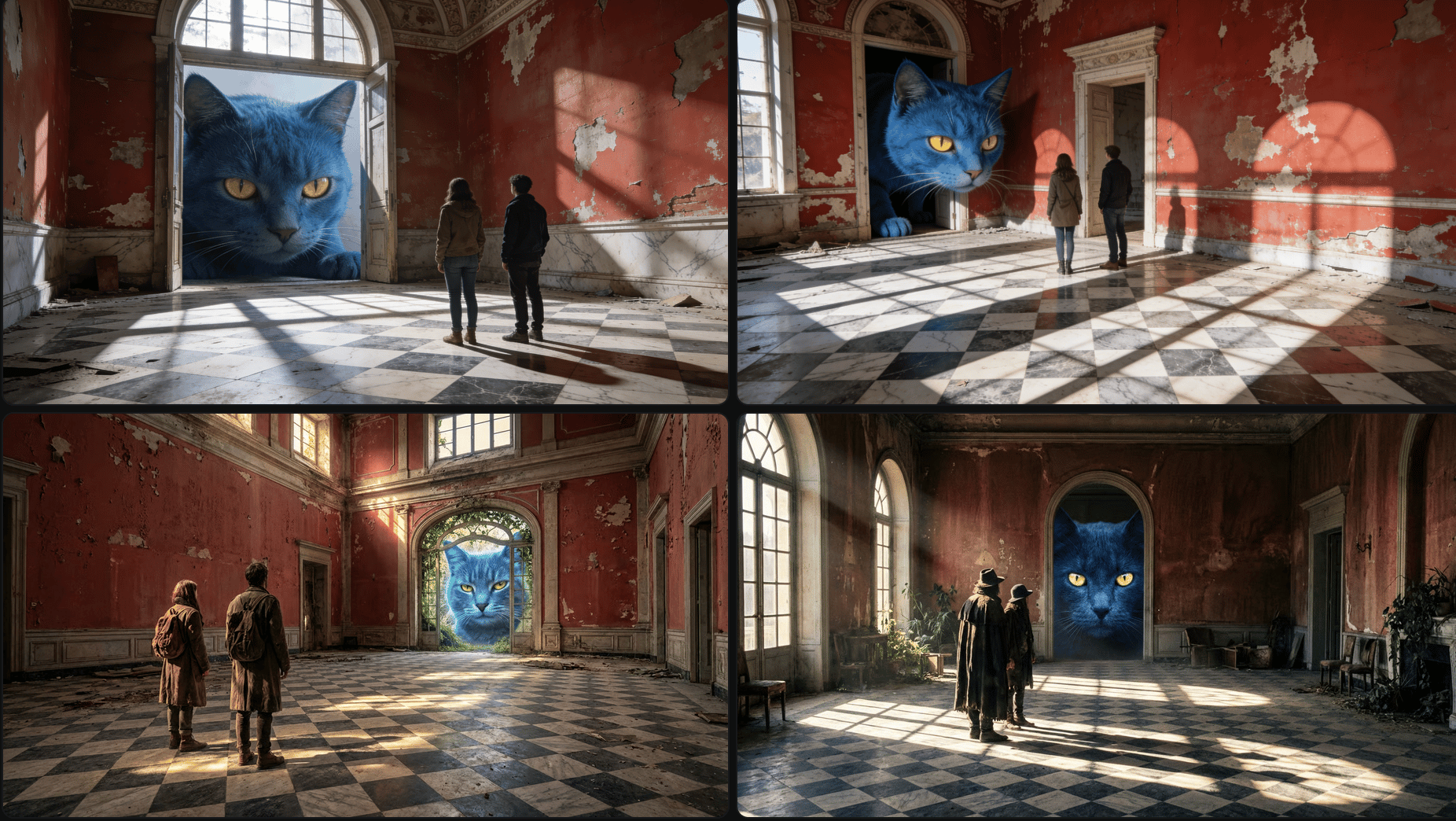
Type what you want changed: "remove the person in the background," "make it golden hour," "put the product on a marble counter." Pick the edit model that fits the job.
Compare and Download
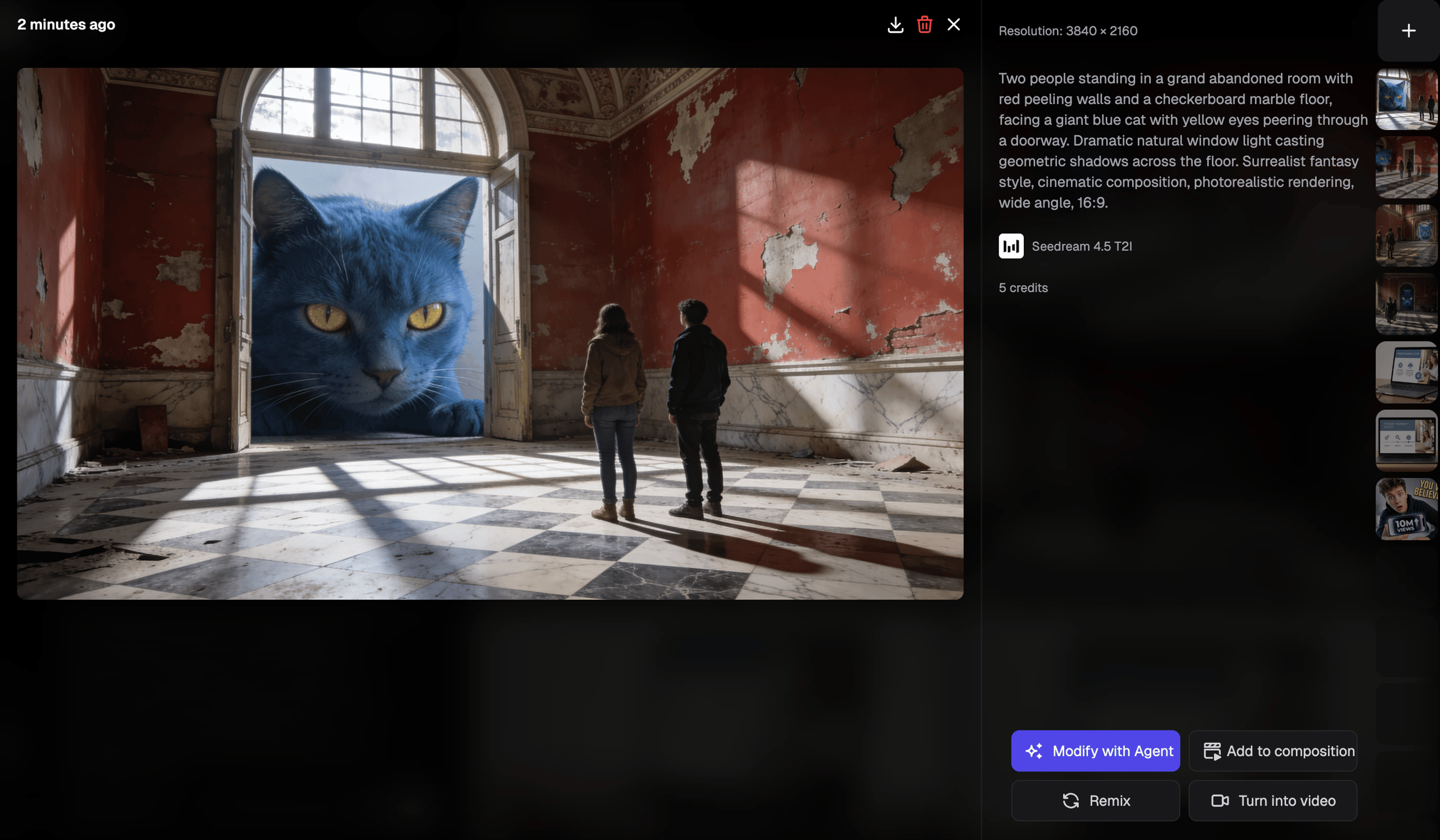
Generate variations, keep the best one, and export — or send it to the upscaler for a print-ready finish.
Why Edit Photos with Hedra
One editor, every frontier model — free to start.
Edit by Instruction, Not by Layers
Skip the selection tools and masking. Describe the change in plain English and the model applies it while keeping the rest of the photo intact.
Every Frontier Edit Model in One Place
Nano Banana Pro, Flux Kontext, GPT Image, Seedream, and more — switch models per edit instead of betting on one tool's strengths.
In the Studio or Through the API
Edit one photo in the browser, or wire the same edit models into your own product on Hedra's developer platform.
Why Edit Photos with Hedra
One editor, every frontier model — free to start.
Edit by Instruction, Not by Layers
Skip the selection tools and masking. Describe the change in plain English and the model applies it while keeping the rest of the photo intact.
Every Frontier Edit Model in One Place
Nano Banana Pro, Flux Kontext, GPT Image, Seedream, and more — switch models per edit instead of betting on one tool's strengths.
In the Studio or Through the API
Edit one photo in the browser, or wire the same edit models into your own product on Hedra's developer platform.
What People Edit
If you can say it, the editor can usually do it.
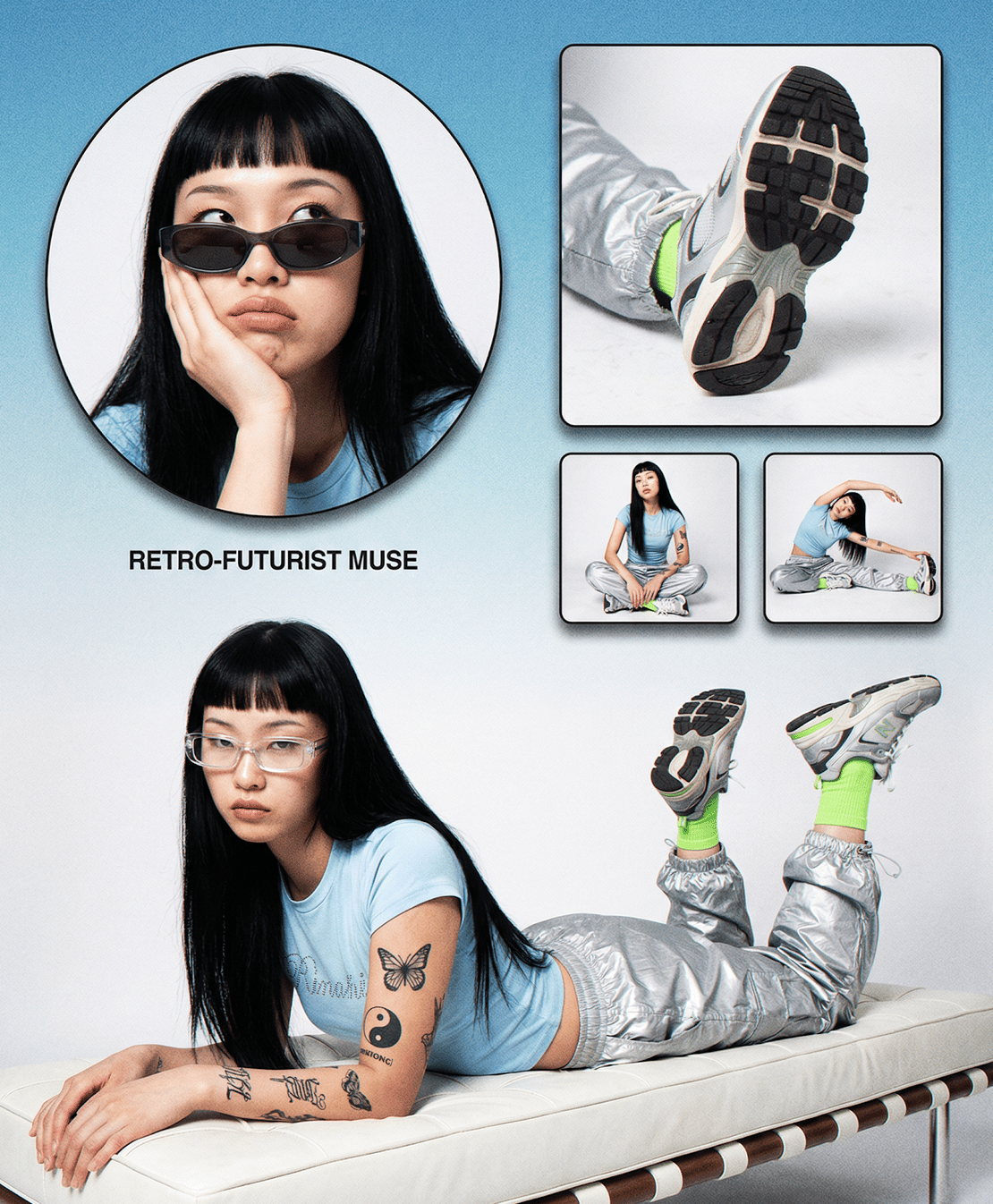
Remove Objects, People, and Text
Photobombers, power lines, watermark leftovers, stray text — describe what should go and the model rebuilds what was behind it.

Change Backgrounds and Lighting
Move a product to a studio backdrop, reshoot a portrait at golden hour, or turn daylight into neon — without a reshoot.

Restyle Anything
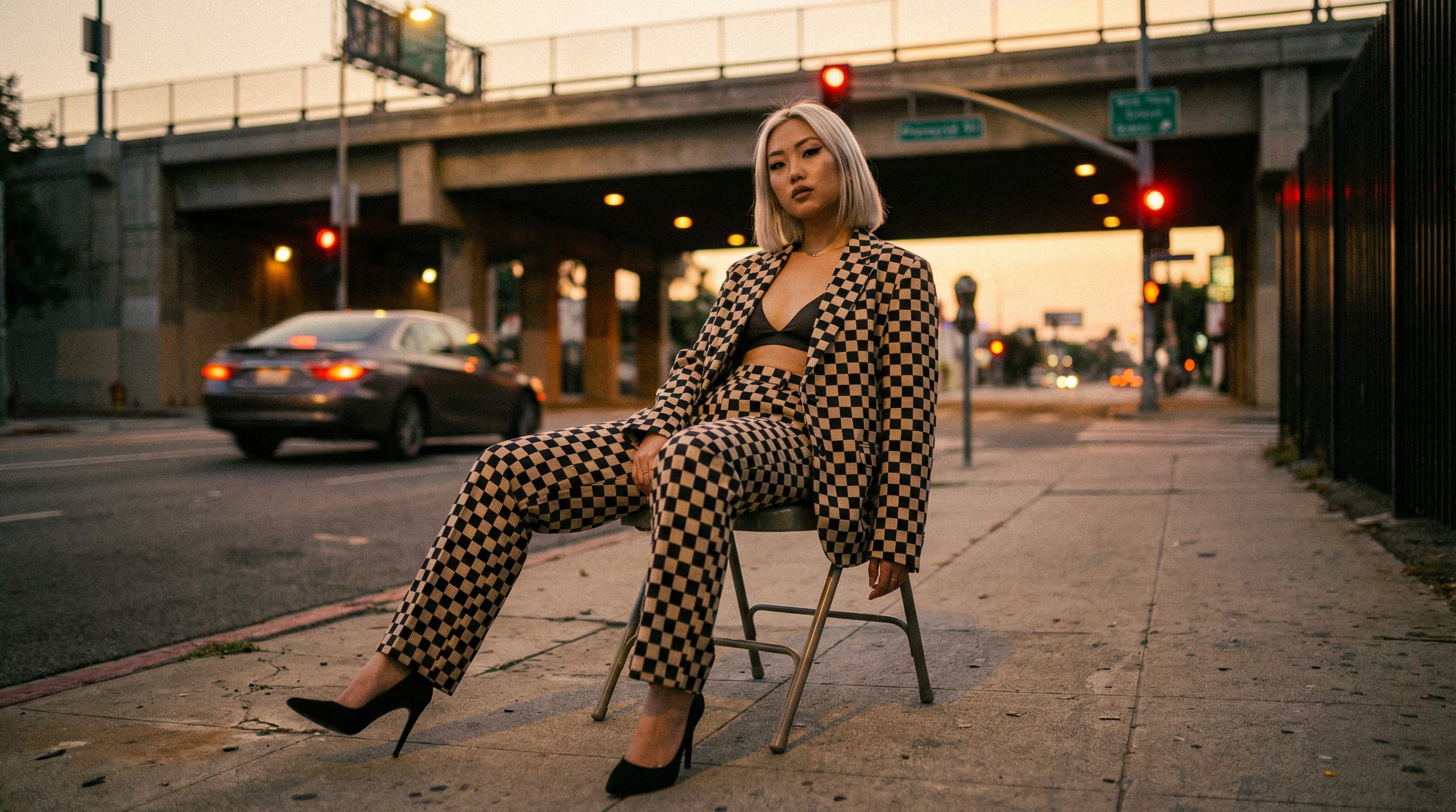
Turn a photo into an illustration, swap outfits and seasons, or match a brand look across a whole shoot with reference images.
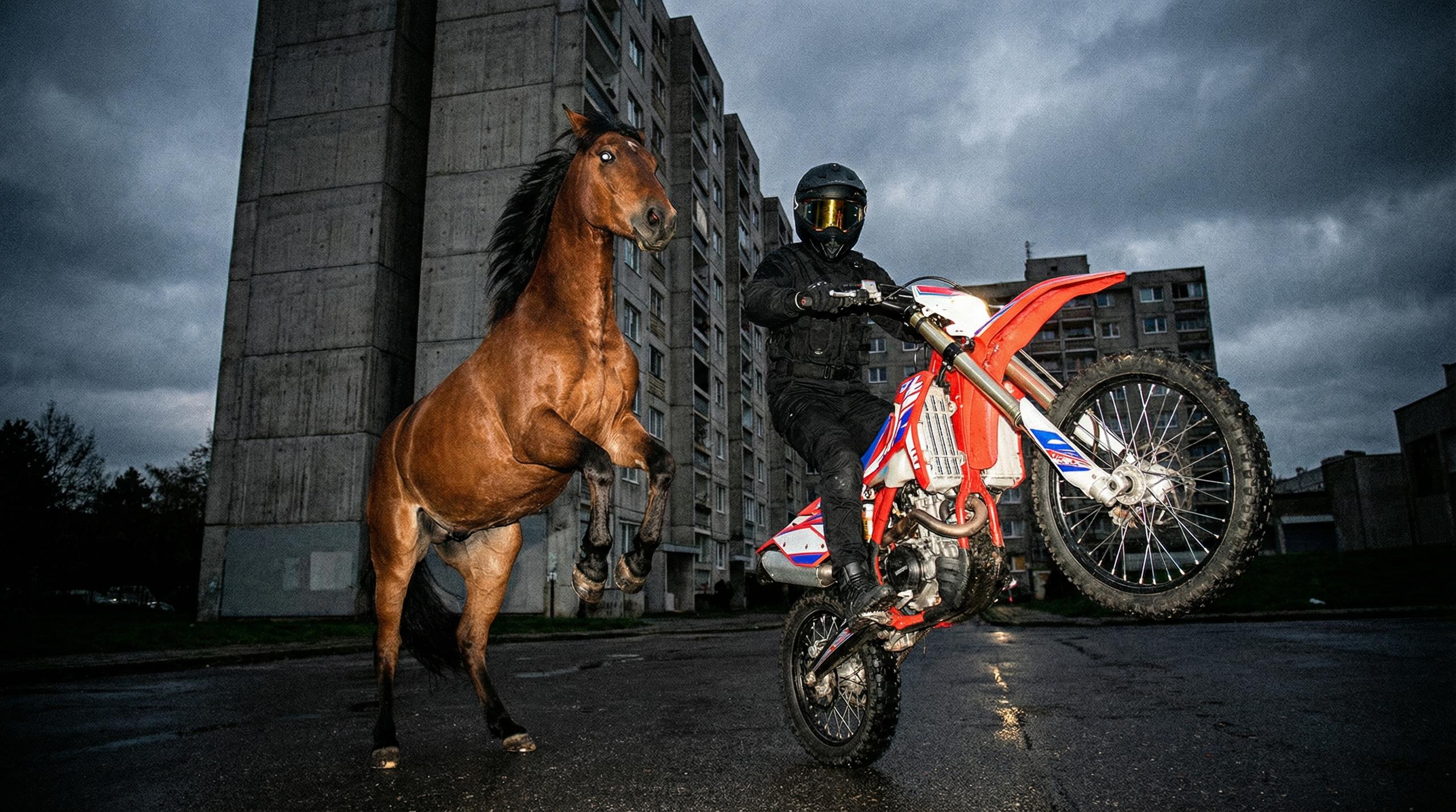
Fix and Finish
Pair edits with the photo enhancer for quality repair and the upscaler for 4K export — the whole finishing chain lives in one studio.
Free to Start
Try Hedra Agent for free. Each edit’s credit cost depends on the model you pick — upgrade when your volume grows.
Get StartedFor Individuals
$30 / month
Billed Monthly
- 5400 credits / month
- Faster generation
- Commercial use
$75 / month
Billed Monthly
- 14400 credits / month
- Fastest generation
- Commercial use
- Teams Plan Access
For Business
$75 / month
Billed Monthly
- 14400 credits / month
- Fastest generation
- Commercial use
- Teams Plan Access
Custom
For enterprises that need custom volume and pricing
- Custom number of credits
- Commercial use
- Dedicated Technical Support on Slack
- Fastest inference
- Dedicated account manager
- Forward Deployed Engineers
- Private deployments
- Single Sign-On
- Teams and management
- Legal and security review
For Developers
Build with the Hedra API
Unified inference for every leading model, with world-leading accelerated compute.
Frequently Asked Questions About Hedra's AI Photo Editor
Everything you need to know before you upload.